use cases / mobile banking ›
Dashboard account customizations
Mobile Banking U.S. Bank
Opportunity
Customers have expressed desire to customize which accounts appear on their customer dashboard so that their account list reflects the way they think about and manage their money.
Solution
Allow for customer’s ability to manipulate the order of appearance and visibility of sensitive information on their account dashboard.
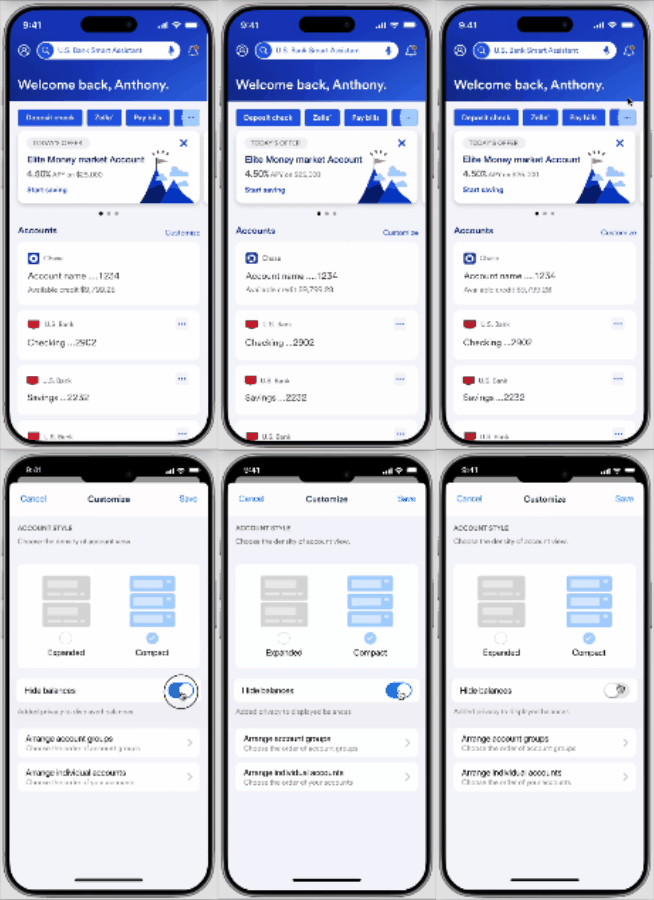
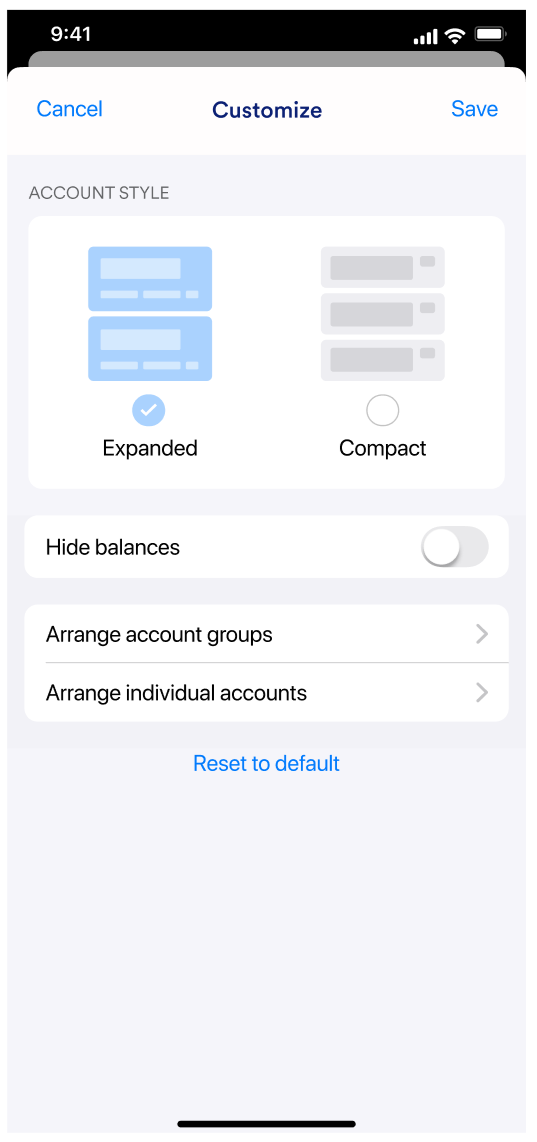
Detail: Customization modal with settings from Left to right:
Detail: Customization modal with settings from Left to right:
Desktop Customization experience
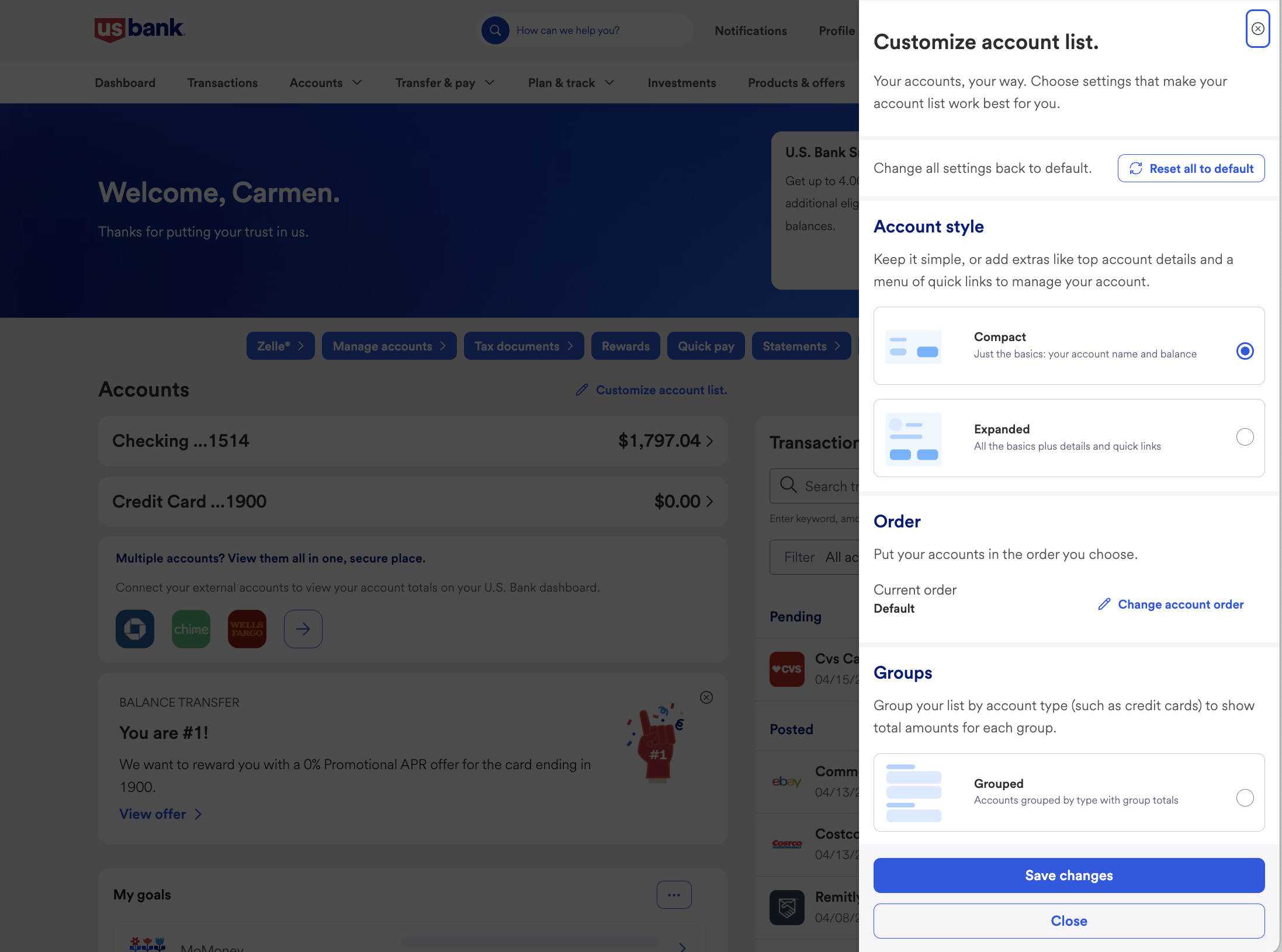
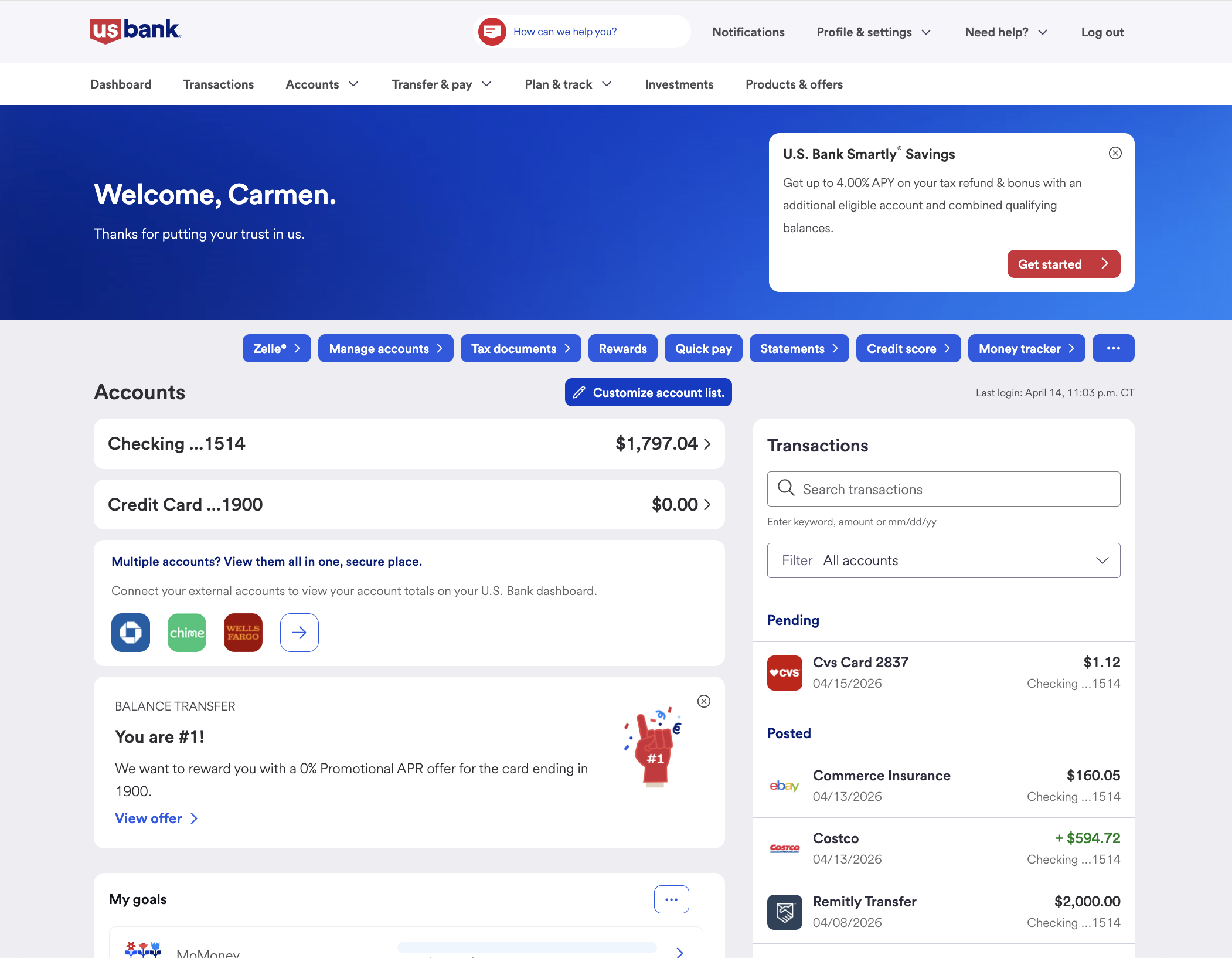
A - Entry point to change the account order
“Users show positive feedback and interact more with their online platforms”
Journey Flow Key Points
• To provide an entry point from User’s Dashboard that allows to customize their account views.
• Separate the edits into two processes to accommodate groups of accounts individually.
• To provide a way to Reset - with a dismissible warning.
Customizing the Account Order & Balance visibility
Left: Reorganize groups of accounts
Middle and Right: Hide account groups
Right: Organize individual accounts when ungrouped
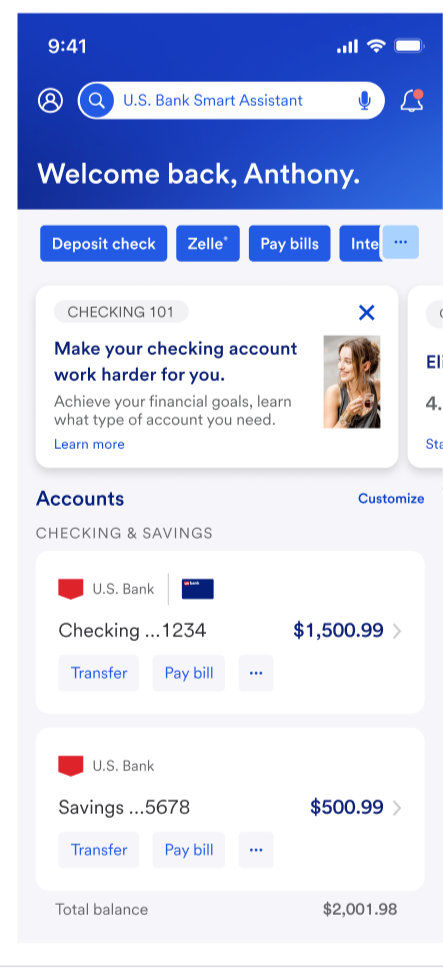
DETAIL: Multiple customization outcomes based on user personas: (Screen views after customizations take place)
From Left to Right:
1. Business as usual
2. User with external accounts linked
3. User prioritizes an external account and removes group type (aka. savings, credit, linked accounts)
4. User has hidden the type of account (Linked account), and balance display by default